

Cinematic motion shots
Create drone flyovers, dolly moves, and atmospheric scenes for trailers and social clips.
Turn prompts and images into video with native audio
Use Grok Imagine Video 1.5 to generate realistic motion from a prompt, or animate a still image into video with native audio and strong prompt following.
No Videos Generated
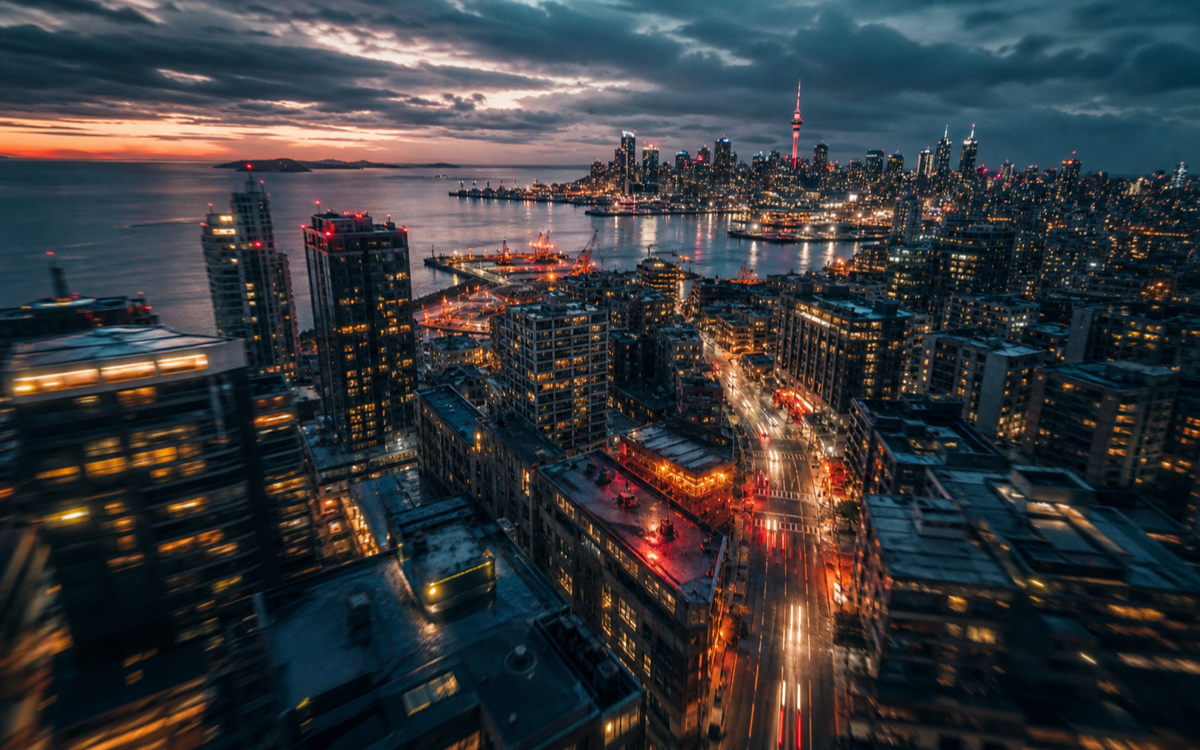
Cinematic motion shots
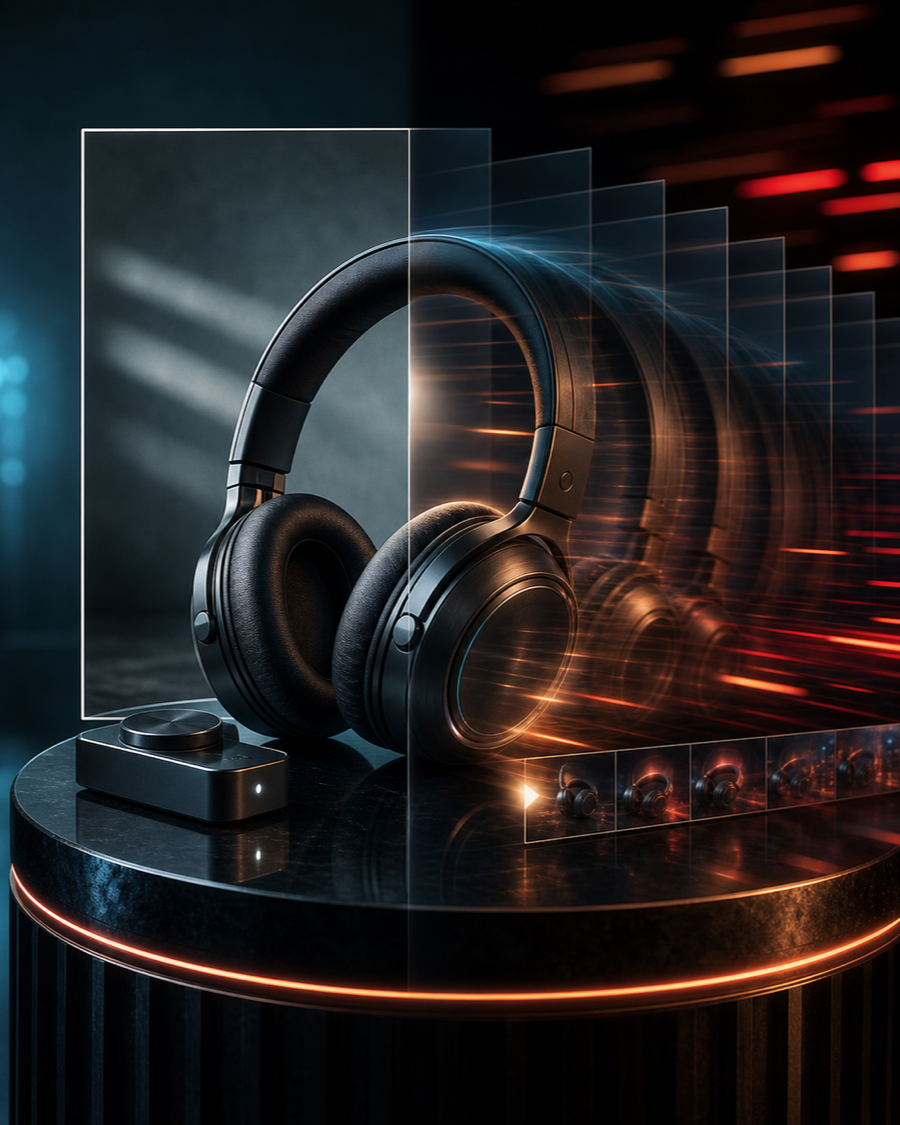
Animate a still image
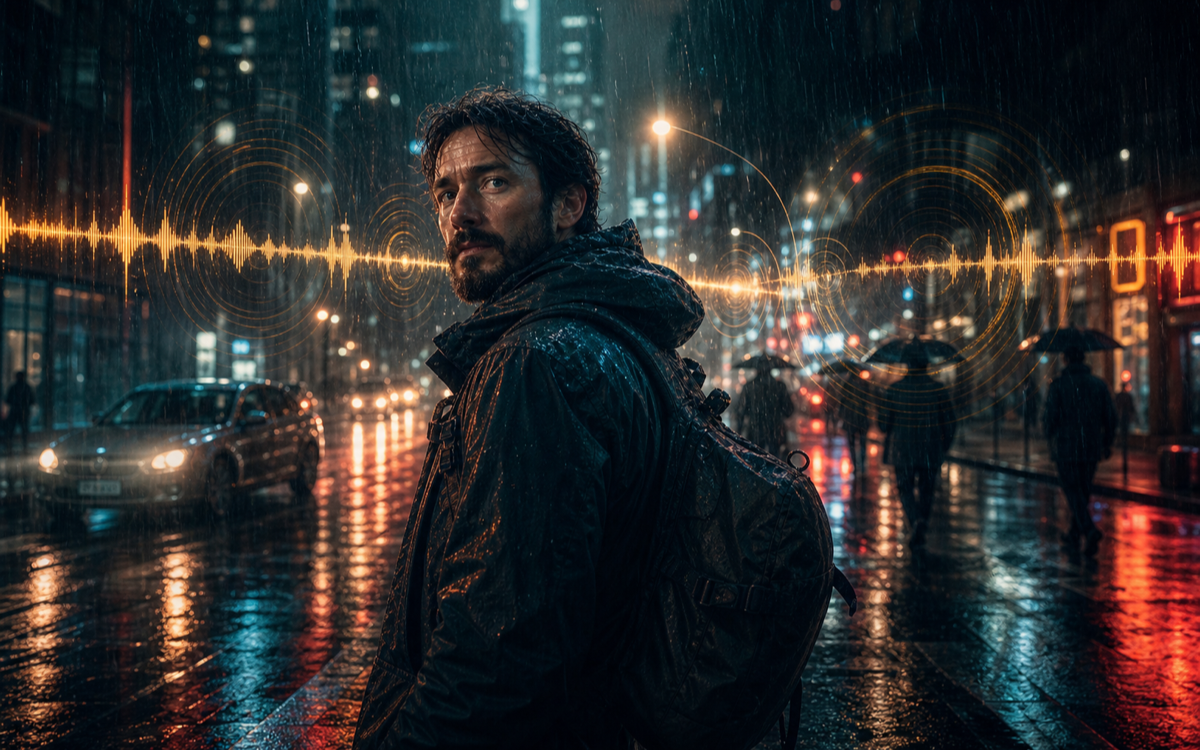
Native audio clips
Grok Imagine Video 1.5 is the xAI Grok Imagine video experience for turning prompts and still images into short, realistic clips. In Banana Pro AI it is tuned for text-to-video and image-to-video generation with native audio, smooth motion, and strong prompt following.
Built for creators who want fast, realistic clips with native audio and dependable prompt following.
Generate short clips with believable movement, camera motion, and scene dynamics from a single prompt.
Upload a still image and animate it into video while keeping the original composition recognizable.
Produce clips with matching ambient sound and effects instead of silent video.
Keep shots faithful to your description of subject, motion, camera, and mood.
Create drone flyovers, dolly moves, and atmospheric scenes for trailers and social clips.

Bring product photos, illustrations, and portraits to life with subtle, controlled motion.

Generate short videos with ambient sound that matches the scene for richer storytelling.

Iterate quickly on shots, camera moves, and moods with strong prompt following.
Move from a prompt or a still image to a finished clip with model settings, tracked generation, and downloads.
Describe the subject, motion, camera move, lighting, mood, and any audio you want.
Switch to image-to-video and upload a still to animate while keeping its composition.
Choose duration, resolution, and aspect ratio, then start a tracked video generation task.
Save the clip, adjust the prompt, or try a new aspect ratio for each platform.
Use Grok Imagine Video 1.5 when you want fast, realistic clips with native audio and strong prompt following.
Grok Imagine Video 1.5 is the xAI Grok Imagine video model for turning prompts and still images into short, realistic clips with native audio.
Yes. Switch to image-to-video, upload a still, and the model animates it into a short clip while keeping the original composition.
Yes. It can generate native audio so clips have matching ambient sound instead of being silent.
Clip length is configurable up to 15 seconds, with a balanced default for fast iteration.
Grok Imagine Video 1.5 uses 90 credits for 720p and 150 credits for 1080p video on this site.
Start with a prompt or upload an image, then generate realistic video with native audio using Grok Imagine Video 1.5.
Create with Grok Imagine Video 1.5