
Illustration (cover): one front-facing portrait becomes the same fictional adult performing a dembow freestyle in a red-lit, crowded room.
How to make the Bulin 47 AI video from one photo
Bulin 47 AI puts one photo into the Bulin 47 freestyle clip: same moves, same crowd, same handheld camera, with your face in the performer's place. Use a sharp, front-facing picture of yourself, or of an adult who agreed, pick a model, length, resolution, and format, then press Make my clip. A 15-second Seedance 2.0 Mini clip costs 7 credits at 480p or 13 credits at 720p, and the button shows the total before you generate. The result is a 5–19 second MP4. Choose 9:16 for a vertical short for TikTok, Reels, or Shorts.
What you are making
There is no prompt and no app. The maker takes one JPG, PNG, or WEBP, resizes it in the browser, and recasts that person into the existing freestyle. The page describes the source performance as 19 seconds. Length is a setting, not a new dance.
Seedance 2.0 Mini is the standard, lower-cost model, with a stated range of 5–15 seconds. Seedance 2.5 is the extended model. The length buttons are 5, 8, 10, 12, and 15 seconds, and a shorter clip keeps the beginning of the performance. Resolution is 480p or 720p. Format is 9:16, 1:1, or 16:9.
The MP4 appears on the page and in My Creations. Most clips finish within a few minutes, and you can close the tab. Paid plans download without a watermark. A failed render, or a photo blocked by the safety filter, returns the credits automatically.
Start with a photo the maker can read
The upload box lists four checks: front-facing, good light, one person, no sunglasses. Pass those before you spend credits.
Sharp means both eyes, the nose bridge, and the jawline are clear. A daylight phone portrait, held still at arm's length, is enough. The browser resize does not add detail the camera missed.
One person means one face. Crop until a single face remains, with a little hair and shoulder around it, or shoot a new picture.
The face must be yours, or an adult who agreed. Photos of minors, public figures, and anyone you mean to impersonate or deceive are not allowed. A friend's photo is allowed only when that friend is an adult and said yes. Skip beauty filters and heavy color grades. The tips ask for a plain, evenly lit face.
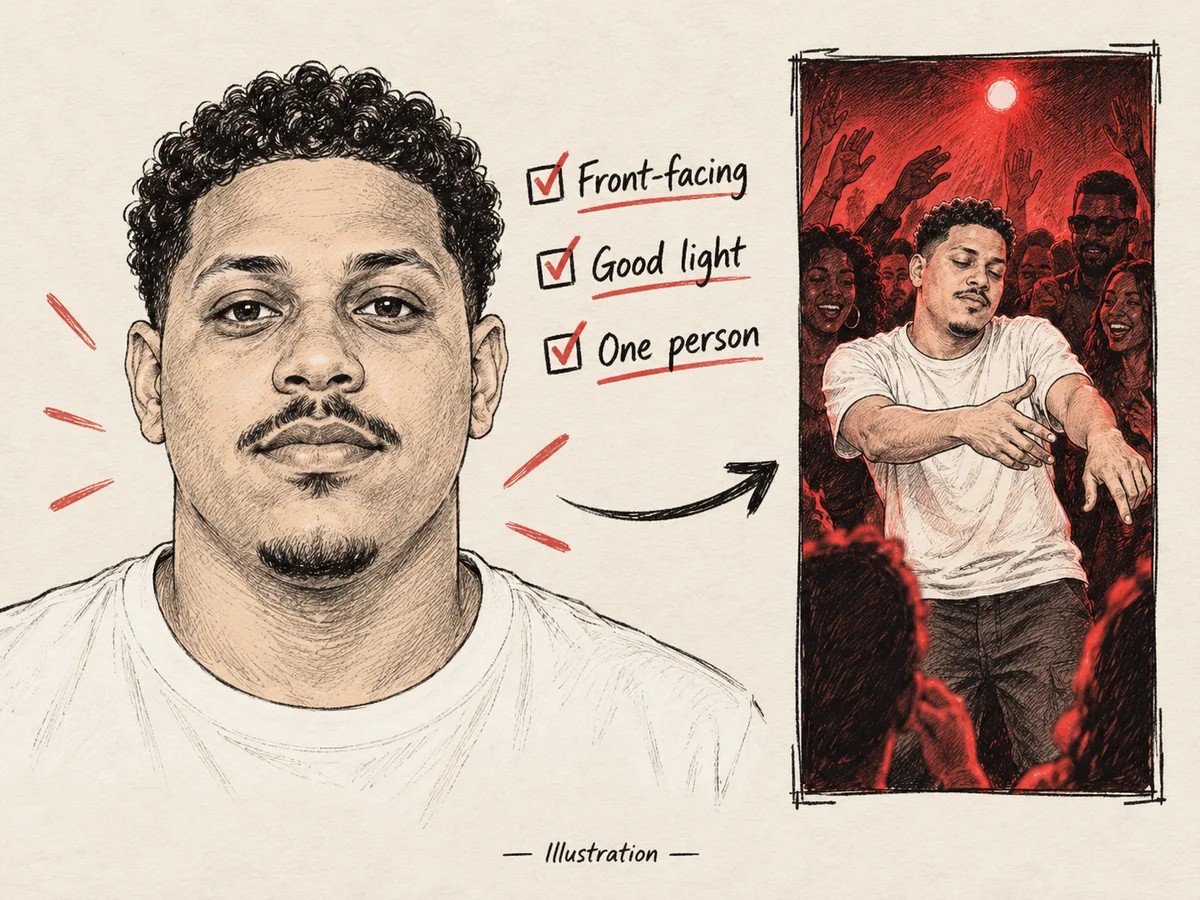
Illustration: prepare one sharp, evenly lit, front-facing photo for the freestyle recast; the smaller scene shows the same fictional adult as the performer.
Light the face from the front
Good light here means even light on one sharp face. The tips group dark photos with filtered photos and group photos as the weaker input. A face in shadow gives the model less to follow once the body starts moving.
These are ordinary shooting habits, not a scored test of either model:
- Face a window so daylight falls on the front of the face.
- A window behind you turns the face into a silhouette. Turn around.
- Keep colored lamps out of the still. The room in the clip is already red-lit.
- At night, put one lamp in front of you, a little above eye level, and step back until the forehead holds detail.
If one eye is in shadow, or you cannot read your expression at a glance, shoot again.
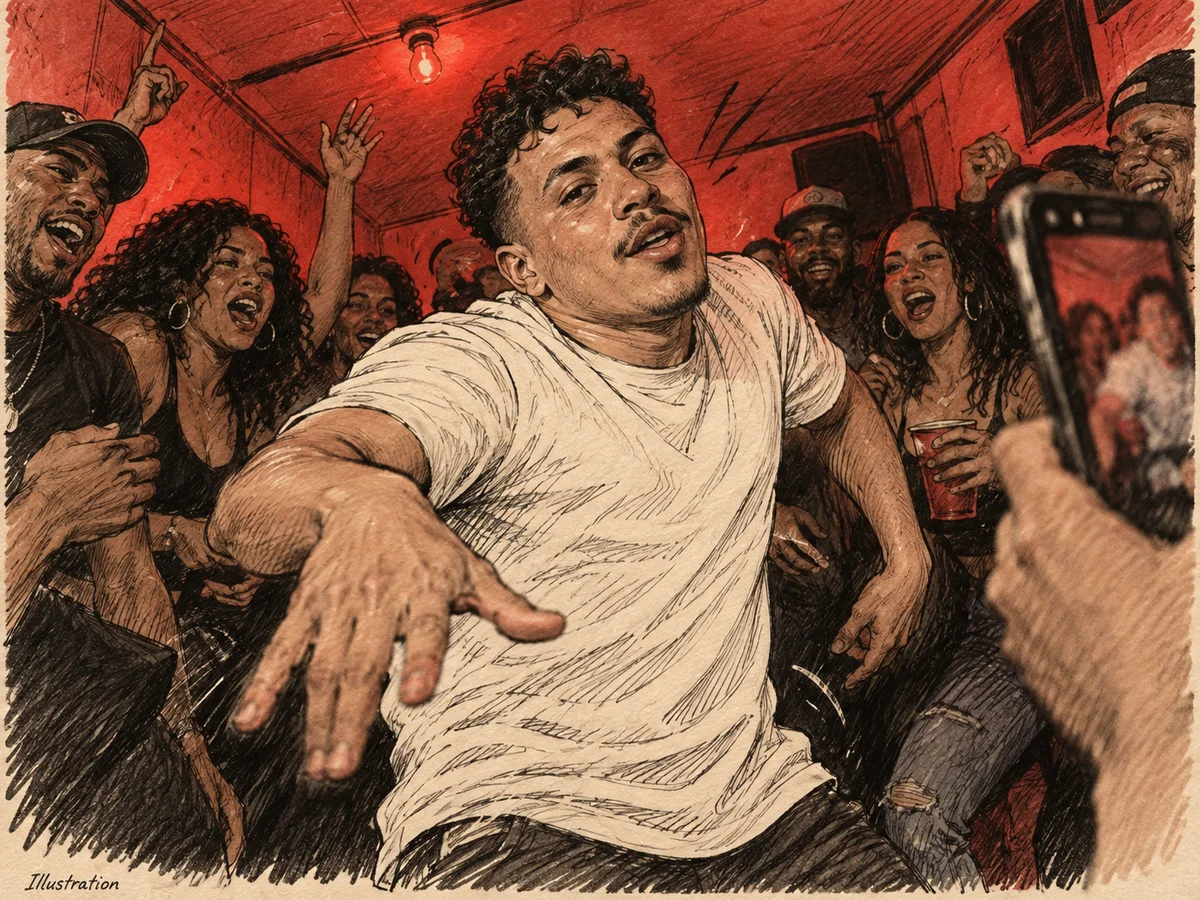
Illustration: the face-in-freestyle concept—red room, surrounding crowd, dembow movement, and handheld phone energy. Keep the input portrait evenly lit even though the performance scene is red.
Frame the head toward the lens
Front-facing means the nose points at the camera and both eyes are visible. Strong side angles are a named cause of face drift. A small turn that still shows both eyes is closer to usable than a profile. If one eye is only a sliver, retake it.
Fill the frame with head and shoulders, and leave a little space above the hair. Hold the camera near eye level. A shot from above the crown, or from under the chin, changes the face shape the clip has to keep. A tiny face in a wide room gives the model less to follow through a turn. Stay still, and keep the frame where the eyes are sharpest. Blur in the photo stays with you for the whole MP4.
What to leave out
The public page names these as worse inputs. You fix them by reshooting, not with a setting.
- Sunglasses. The upload line bans them. Covered eyes leave the upper face as a guess in every frame.
- Hats. They are listed with sunglasses and side angles. A brim also shadows the eyes.
- Side angles. One ear large in frame and the far eye barely visible is a retake.
- Group photos. Crop to one face, or shoot again.
- Filters and anything over the face. Skin smoothing, a hand, a phone, a mask, or hair over both eyes hides the face the page asked you to show.
Clear prescription glasses are not in that list. If the lenses reflect a window, move until both eyes show. Keep the lenses clear.
Honest limits: blur, drift, and refunds
The site calls the recast good, not magic. Two limits come from the source clip, so a clean portrait does not erase them.
Quick spins and hand gestures are the hardest frames, and small artefacts can appear there. Those moves stay in the performance. A shorter length keeps the beginning, so 5, 8, or 10 seconds may end before a later spin. The page does not say which second each gesture falls on. If the messy frames are in the opening, a shorter clip still includes them.
Face drift is the face sliding, doubling, or no longer matching the still, often once the camera moves. The named causes are strong side angles, hats, and sunglasses. Shoot again: one person, sharp, front-facing, evenly lit, nothing on the face.
Credits return automatically when a render fails or a safety filter blocks the photo. A finished clip you simply dislike is a separate case. The page's fix is a sharper, front-facing photo of one person in good light. Read the total, and use Mini while you are still testing the photo. The photo and settings stay on the page while you sign in or buy credits.
How to choose the settings
The button shows the credit total before you generate. The rows below are the published figures. Pricing on the page was updated on October 10, 2026. Other lengths have no public number.
| Model and duration | 480p | 720p |
|---|---|---|
| Seedance 2.0 Mini, 12 seconds | 5 credits | 10 credits |
| Seedance 2.5, 12 seconds | 17 credits | 37 credits |
| Seedance 2.0 Mini, 15 seconds | 7 credits | 13 credits |
Stay on Mini until the face holds, starting at 480p. Move to 720p once the still works. The page lists the credit gap and does not publish a quality comparison of the two models.
One clip in the pricing examples is Mini at 720p for 12 seconds, 10 credits. The Single pack is $9.99 for those 10 credits, paid once. Packs do not expire.
9:16, 1:1, and 16:9 share one control. Read the button again after you change the frame.
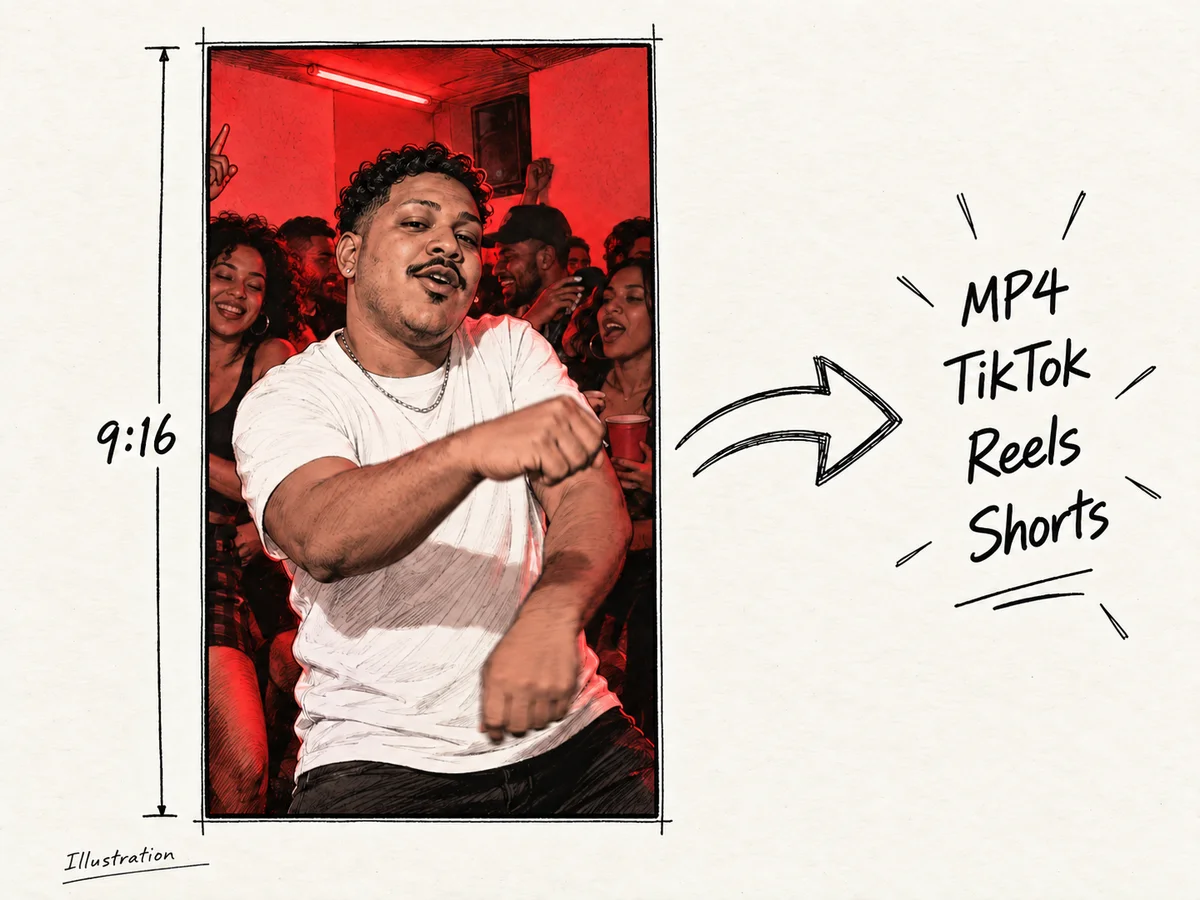
Illustration: a vertical 9:16 MP4 sharing concept for TikTok, Reels, and Shorts, with the freestyle performer kept in frame.
Steps to make the clip
The maker at the top of how to make a Bulin 47 AI video is the whole workflow.
- Choose one face: yours, or an adult who agreed. Front-facing, even light, sharp eyes, no sunglasses, no hat, no filter, nothing covering the face.
- Upload a JPG, PNG, or WEBP. If the preview looks small, dark, or turned away, replace the file.
- Pick Seedance 2.0 Mini. Use 480p to test the photo, or 720p when you already trust the still. Choose 5 to 15 seconds. Shorter keeps the start of the performance.
- Choose 9:16, 1:1, or 16:9, and read the credits on the button before you continue.
- Press Make my clip. Wait on the page or open My Creations later. Most clips finish within a few minutes.
- Check the face in the slower moments, then the hands and any fast turn. A failed render or a blocked photo returns the credits. Drift means a new still and a new run. Repeat the same one-photo steps.
FAQ
What photo should I upload?
One front-facing photo of a single adult: you, or someone who agreed. Keep it sharp and evenly lit. JPG, PNG, and WEBP all work. The browser resizes the file before upload.
Why do sunglasses, hats, and side angles fail?
The site says those three make the face drift. Sunglasses hide the eyes, a hat adds shadow and a shape the clip does not have, and a strong side angle hides half the face.
What if the hands or a fast turn look wrong?
Those are the hardest frames, and small artefacts can appear on quick spins and hand gestures. Try a sharper front-facing photo. If the problem is only near the end, a shorter length keeps the beginning of the performance. The page does not time-stamp each move.
How much does one clip cost?
The button shows the total for your model, resolution, and length. Mini at 12 seconds is 5 credits at 480p and 10 at 720p. Seedance 2.5 at 12 seconds is 17 and 37. A 15-second Mini clip is 7 credits at 480p and 13 at 720p. The Single pack is $9.99 for 10 credits. Failed renders are refunded automatically.
Can I upload a friend or a public figure?
A friend is allowed only if they are an adult and said yes. Photos of minors, photos of public figures, and pictures meant to impersonate or deceive are not allowed.
How this article was written
This article was drafted with AI assistance from the public bulin47ai.video pages and reviewed by the editorial team. No renders were run for this piece. Illustrations are line sketches, not product output.
