

Fine line · 1:1 · Simple
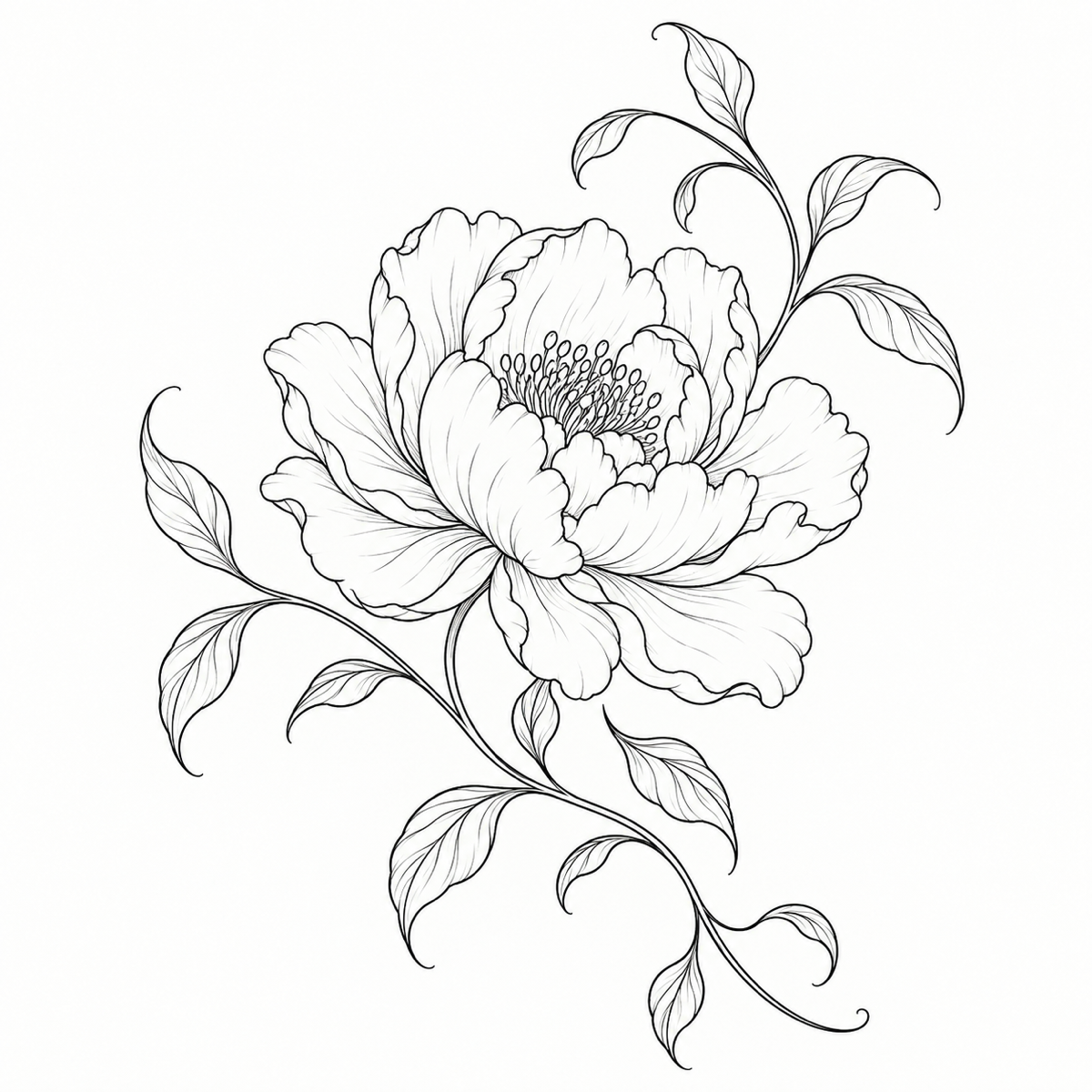
Fine line peony with room to breathe
A single peony uses continuous petals and open space. The setup pairs Fine line, Simple detail, and a square canvas with no reference.
Flash-sheet concepts for a studio conversation
Create one downloadable tattoo design from your own description or reference. Choose a style, placement flow, lettering, and canvas shape, then remix a finished result without losing your previous design.
Upload a sketch you own. Theme still required. No body-photo try-on.
Sign in to generate a tattoo concept
Your theme stays here. Sign in before starting a paid run. Upload a reference only after you sign in.
First try free: new accounts get 15 credits
Account required · one new charge for each regeneration
Your tattoo concept starts here
Describe your motif, choose a style, and generate a standalone tattoo design.
Find, download, or remix completed tattoos in My Creations. Open My Creations
See how the same workbench handles a fine line flower, a flowing forearm motif, and exact lettering. Use a setup to fill empty input fields and settings; generating is always a separate action.
Fine line · 1:1 · Simple
A single peony uses continuous petals and open space. The setup pairs Fine line, Simple detail, and a square canvas with no reference.

Japanese · Forearm · 2:3
A koi rises through water and maple leaves. Japanese style, Forearm flow, and a 2:3 canvas make a vertical design without generating a body photo.

Slow joy · Calligraphy
A curled cat and coffee cup sit with the exact words “Slow joy.” The separate lettering field and Calligraphy font show how text joins a motif.
Banana Pro AI turns a specific motif idea into one standalone raster tattoo design. You can start with text, add one reference, or remix an existing result; the canvas stays a clean design sheet, not a photo of skin.
Describe the subject in 8–600 characters, then choose a visual style and how the motif should flow. The result is a single downloadable PNG, JPEG, or WebP image.
Upload one supported image to guide the design, or open a completed tattoo in My Creations and choose Remix. Both paths use image-to-image; neither starts a new charged task until you select Generate.
Put up to 80 characters in the separate lettering field and choose a font. Placement changes the flat composition for a forearm, sleeve, wrist, or another area; it does not make a body preview. Always inspect generated spelling.
Enter your theme, pick a style, and optionally add exact lettering. Open Advanced settings for a reference, placement flow, complexity, aspect ratio, and 1K or 2K resolution.
Sign in and check the credit price shown beside Generate. One click creates one tracked task; changing settings alone does not charge or replace the previous result.
Check contours, composition, and every letter. Download the actual raster file, or choose Remix to refill the saved settings and use the finished image as a reference for another explicit run.
Choose by the job you need done. Banana Pro AI is strongest when you already know your motif and want style, lettering, placement flow, and repeatable remix in one design workbench.
| Workflow | Best when | What you get | Review first |
|---|---|---|---|
| AI Tattoo Generator | You have a specific motif and want to explore its style, lettering, and layout before visiting a studio | Your own downloadable design, with 14 styles, optional reference, placement flow, and Remix in the same workbench | Spelling, contour clarity, and whether the composition matches your brief |
| Shop flash | You like a studio’s pre-drawn design and do not need to direct its motif | An existing drawing chosen from that studio, with sizing discussed in person | Availability and the artist’s planned adjustments |
| Virtual try-on | You already have a design and need to judge its scale on a photo | A placement preview on a body photo rather than a new standalone design | Scale and alignment in the photo |
| AI Illustration Generator | You want editorial illustration rather than tattoo flash | The AI Illustration Generator, a different Banana Pro AI tool with illustration styles | Medium, text, and whether a clean tattoo contour still exists |
Describe an original motif or add one reference to make a standalone tattoo design. You can choose among 14 styles, placement flow, composition, complexity, canvas ratio, and optional exact lettering.
Yes. Upload one JPG, PNG, or WebP image through the workbench. The theme is still required. The server verifies the uploaded file before starting an image-to-image task.
No. Forearm, wrist, sleeve, and other placements direct the drawing’s flow on a clean canvas. This page returns a standalone design rather than a photo try-on.
Choose Remix beside a finished result or from My Creations. The image and saved settings fill the workbench. Edit them freely; a new task and charge start only when you select Generate.
Enter up to 80 characters in the separate lettering field, choose a font, and inspect every character in the output. If the generated text differs, revise the prompt and generate again.
A 1K run costs 25 credits. A 2K run costs 75 credits, plus 5 when it uses an uploaded reference or Remix source. The workbench shows the price before each explicit generation.
Continue with illustration, photo-to-sketch, or broader image editing when your next task calls for a different output.