
What it can do
Replace one date, price, sell-line, or short typo on a poster, product shot, or banner. You choose the box, the string, the font from a closed set, size, color, alignment, and wrap. The live overlay is free.
Upload a JPG, PNG, or WebP, box one line of type, type the replacement, preview alignment, then download a file that contains those exact characters.
Exact characters, honest fonts
The export contains the replacement string you typed. Font matching to the original typeface is a visual fit from a closed set, not a recovered design file.
Type overlay
Upload one image, box the line, type the replacement, and preview alignment before you spend credits.
01 / Source
Drag on the image to box one text region. Redraw any time.
256–4,096 px per side · ≤ 16 MP
02 / Replacement
Stored with the task for recovery. It does not run OCR and is not sent as the erase prompt.
1K · auto aspect · 10 credits for this run
Output preview
Your edited image will appear here
Upload a supported image, box one text region, and type the replacement to preview it for free.
Edit text in image scope
This pass is for one boxed line on a flattened image. It is not OCR, not a layered editor, and not a path for identity documents.
Replace one date, price, sell-line, or short typo on a poster, product shot, or banner. You choose the box, the string, the font from a closed set, size, color, alignment, and wrap. The live overlay is free.
It does not recover the original font file, rebuild a layered PSD, or edit many regions in one run. After one download you may box another region on the result as a new paid job.
Do not upload passports, IDs, licenses, or other identity documents. The workbench will not ship templates for that work.
Three steps
Start with the highest honest resolution you have. Keep the original file. Treat the download as a viewing copy that contains the typed replacement.
Choose a JPG, PNG, or WebP file up to 5 MB, with each side from 256 to 4,096 pixels and no more than 16 megapixels.
Drag a rectangle over one text region. Optional original text is stored with the task for recovery. It does not run OCR and is not sent as the erase prompt. Replacement text is required. Preview font, size, color, alignment, and wrap on the overlay before you pay.
Sign in and confirm the fixed cost of 10 credits. The model reconstructs the boxed background. The same overlay is then drawn onto that result, and that composite is what you see and download.
Edit text in image cases
These illustrative examples show one boxed replacement at a time. They are not measured outputs or a performance benchmark. Inspect your result against the source.
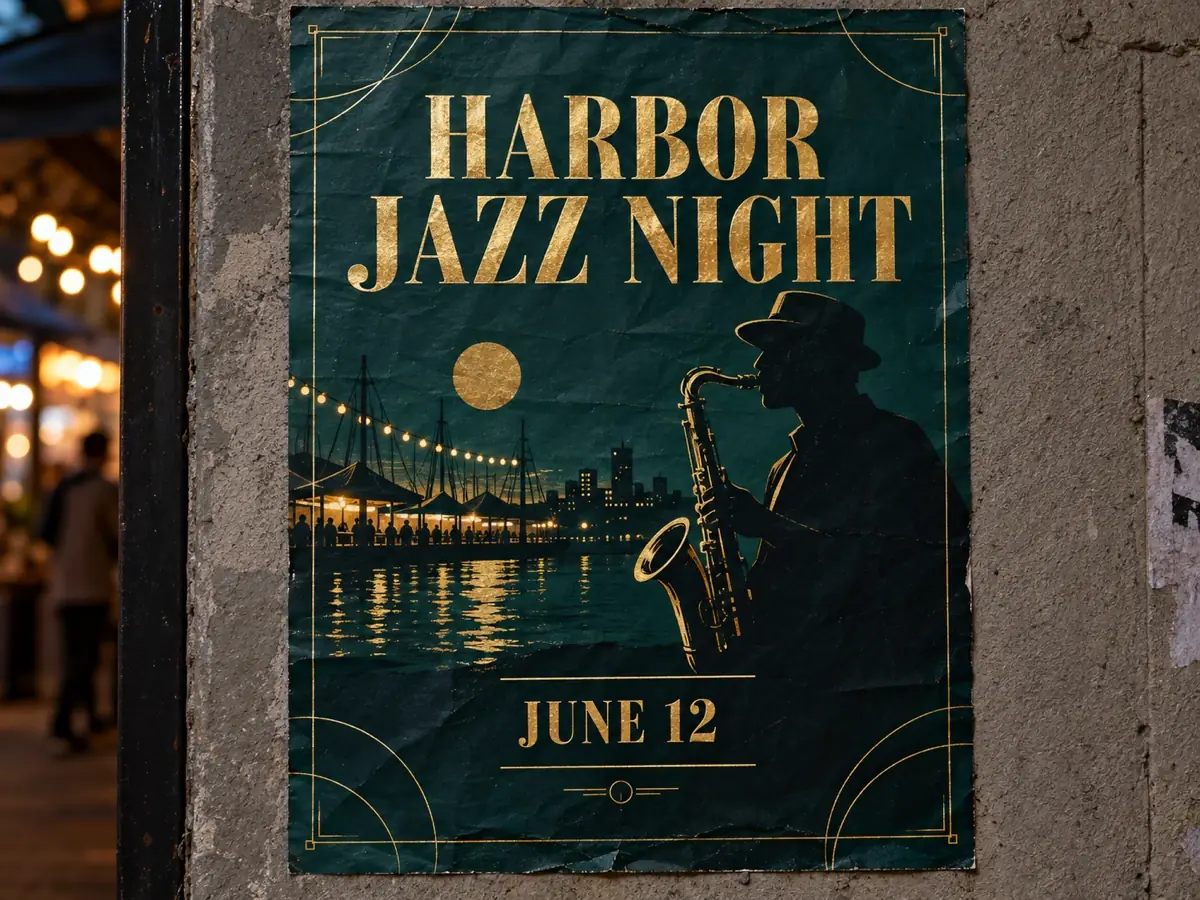
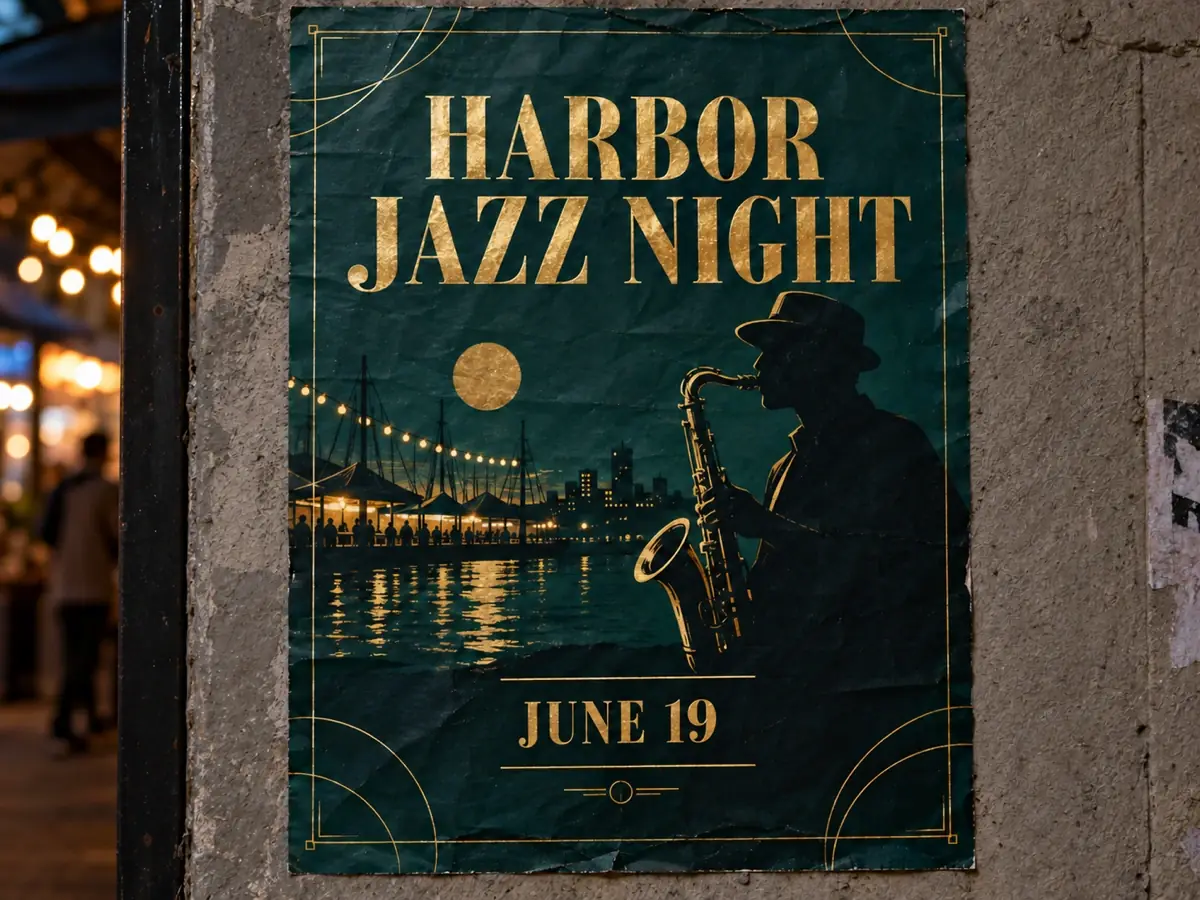
A flattened event poster with a date that moved. Box the date, type the new day, preview alignment, and download a file that contains the new characters.
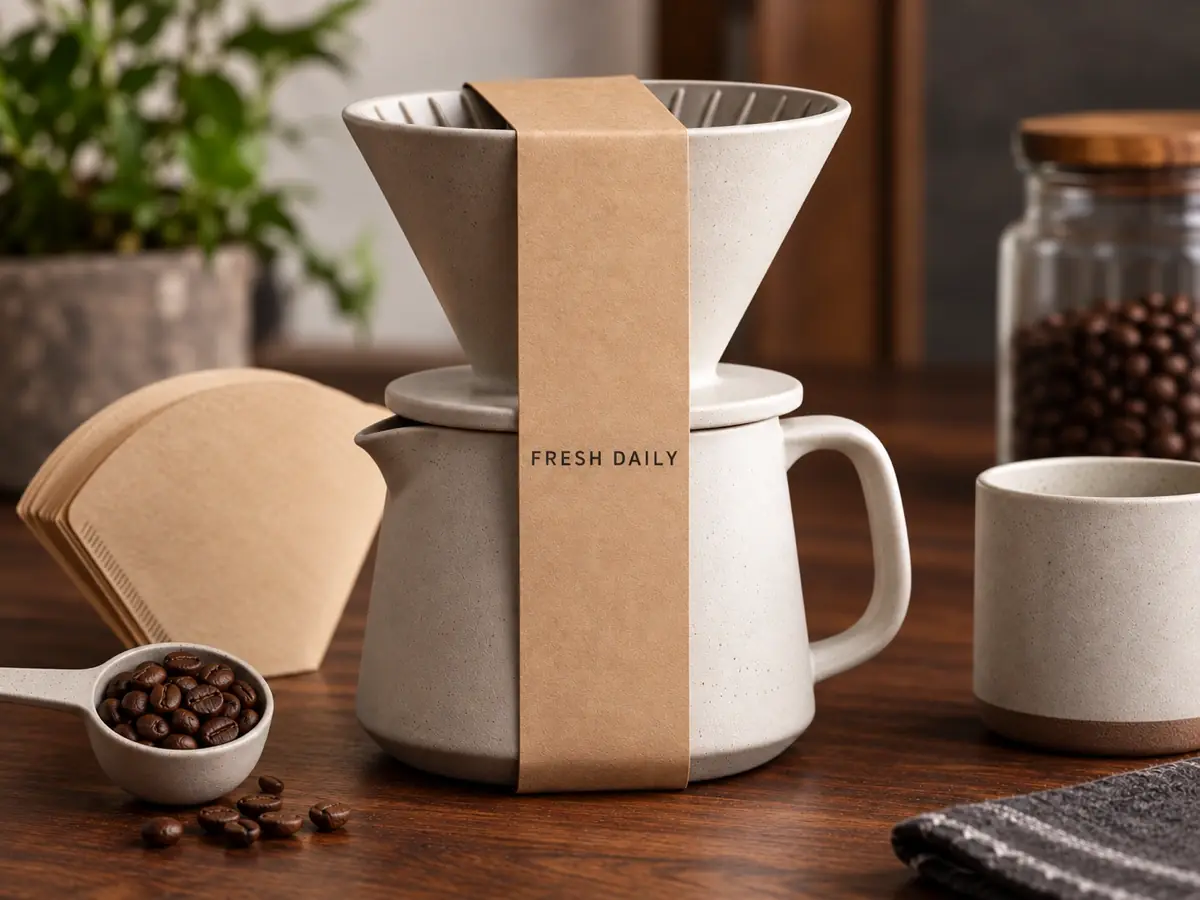
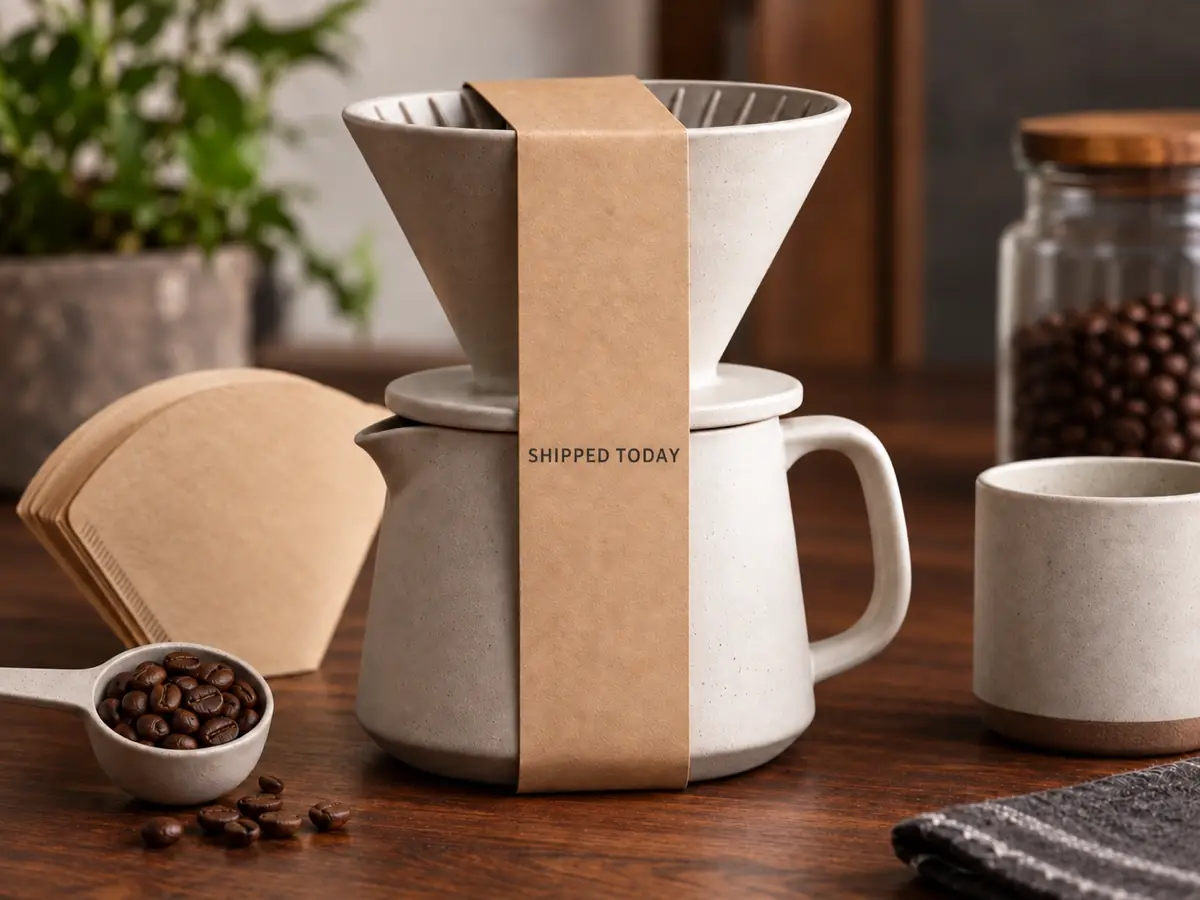
A product photo with a short sell line that needs a new phrase. Keep the pack shot. Replace only the boxed line.


A web banner with a misspelled English word. Box the typo, type the correct spelling, and download the composite. Font matching is a visual fit, not the original typeface file.
The download contains the replacement string you entered. That is the contract. Matching the original typeface, weight, and tracking is a visual approximation from Inter, Georgia, Impact, or Courier. If you need the original design file, go back to the source layout.
Keep the original image. Label generated copies. Recapture or rebuild in a design tool when the file has legal, medical, or identity weight.
Upload only images you have the right and consent to process. Signed-in tasks and results can appear in My Creations as the reconstructed background, not the letter-accurate composite. Type settings, the box, and the replacement stay with the task so this browser can redraw the overlay and download without another charge.
The current storage backend has no automatic expiry for uploaded or generated image objects. Delete in My Creations calls the authenticated creation-delete endpoint and soft-deletes the task record from account history; it does not delete the underlying image object or provider copy. Review the Privacy Policy and contact support before uploading sensitive photos.
Choose the right workflow
Pick the path that matches the file you have. Flattened replacement, desktop pixel editing, and layered design tools are different jobs.
| Edit Text in Image vs Photoshop vs Canva | Best for | Control | Tradeoff |
|---|---|---|---|
| Edit Text in Image | A flattened JPG, PNG, or WebP with one visible line to replace and no source design file | One boxed region, typed replacement, live overlay, then a composited download | Exact spelling of what you type. Font matching is a closed visual set, not a recovered typeface |
| Photoshop | Desktop retouchers who want clone, type layers, masks, and pixel-level undo on a workstation | Manual healing, type tools, and layered history | Highest control, with more time, skill, and software cost |
| Canva | Layered templates where the original text object still exists and can be edited in place | Template text boxes, brand kits, and collaborative layout | Strong when you own the template. Weak when the only file is a flattened photo |
Tool specifications
The workbench accepts one JPG, PNG, or WebP image up to 5 MB. Each side must be between 256 and 4,096 pixels, and the image must stay within 16 megapixels. One run costs 10 credits and reconstructs the boxed region at 1K with an automatic aspect ratio. Output pixel size can differ from the source.
By using the tool, you confirm that your upload complies with the Terms of Service. Identity documents are not allowed.
Reviewed by the Banana Pro AI product team · Last reviewed: 2026-09-11.
Continue editing
Keep each operation explicit. Replace flattened type here. Use a broader editor, a poster brief, or a painted fill only when that is the actual job.
Questions
Clear answers about flattened type, design files, ChatGPT, spelling, credits, and identity documents.
It means replacing visible letters on a flattened photo or graphic when you do not have the original design file. You box one line, type the replacement, preview alignment, then download a composite that contains those exact characters.
No. This tool is for files that are already flattened. If you still have a layered poster or template, edit the live text object there instead.
ChatGPT can explain the problem and describe a workflow. This page runs the workflow at https://bananaproai.app/edit-text-in-image: upload, box one line, type the replacement, generate, and download the composite.
The download contains the exact spelling you typed. Font, size, color, and alignment come from the controls you set. Matching the original typeface is a visual approximation from a closed set, not recovery of the source font file.
One edit text in image run uses 10 credits. Overlay preview is free. The workbench shows the cost and your remaining balance before submission. The existing task system avoids restarting a paid job when a connection is interrupted.
No. Passports, IDs, licenses, and other identity documents are forbidden. Do not upload them.
Type the replacement. Inspect the composite.
Start with one flattened file, review the fixed 10-credit cost, and download only when the overlay spelling is the string you typed.
Open the edit text in image workbench