
01
Omni-modal context
MiniMax H3 can interpret text, images, video, and audio as related references instead of treating every asset as a separate task.
Create 4–15 second video with text, keyframes, or visual references. MiniMax H3 combines cinematic motion, 2K output, and native stereo sound in one generation.
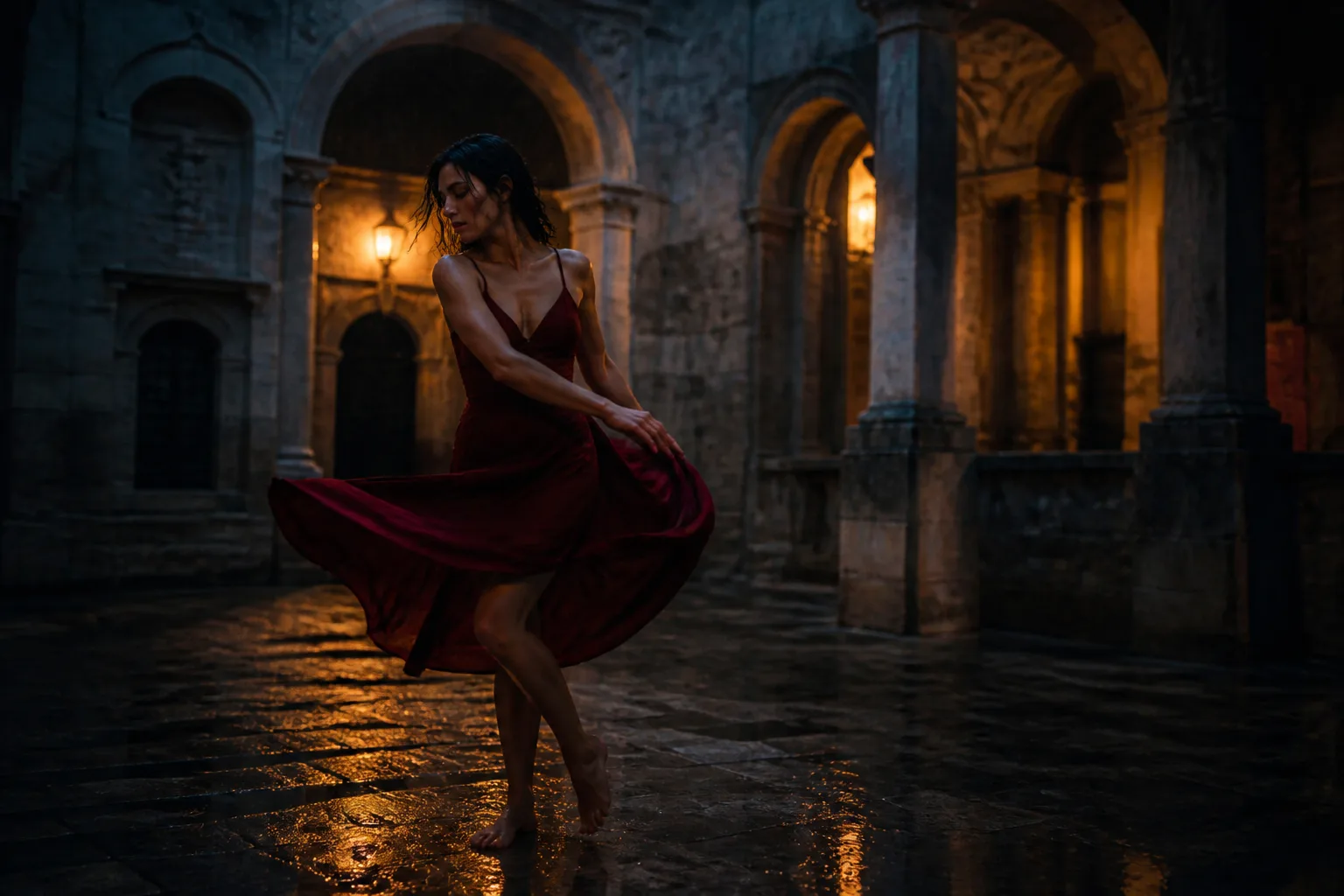
Ready for direction
Prompt to video
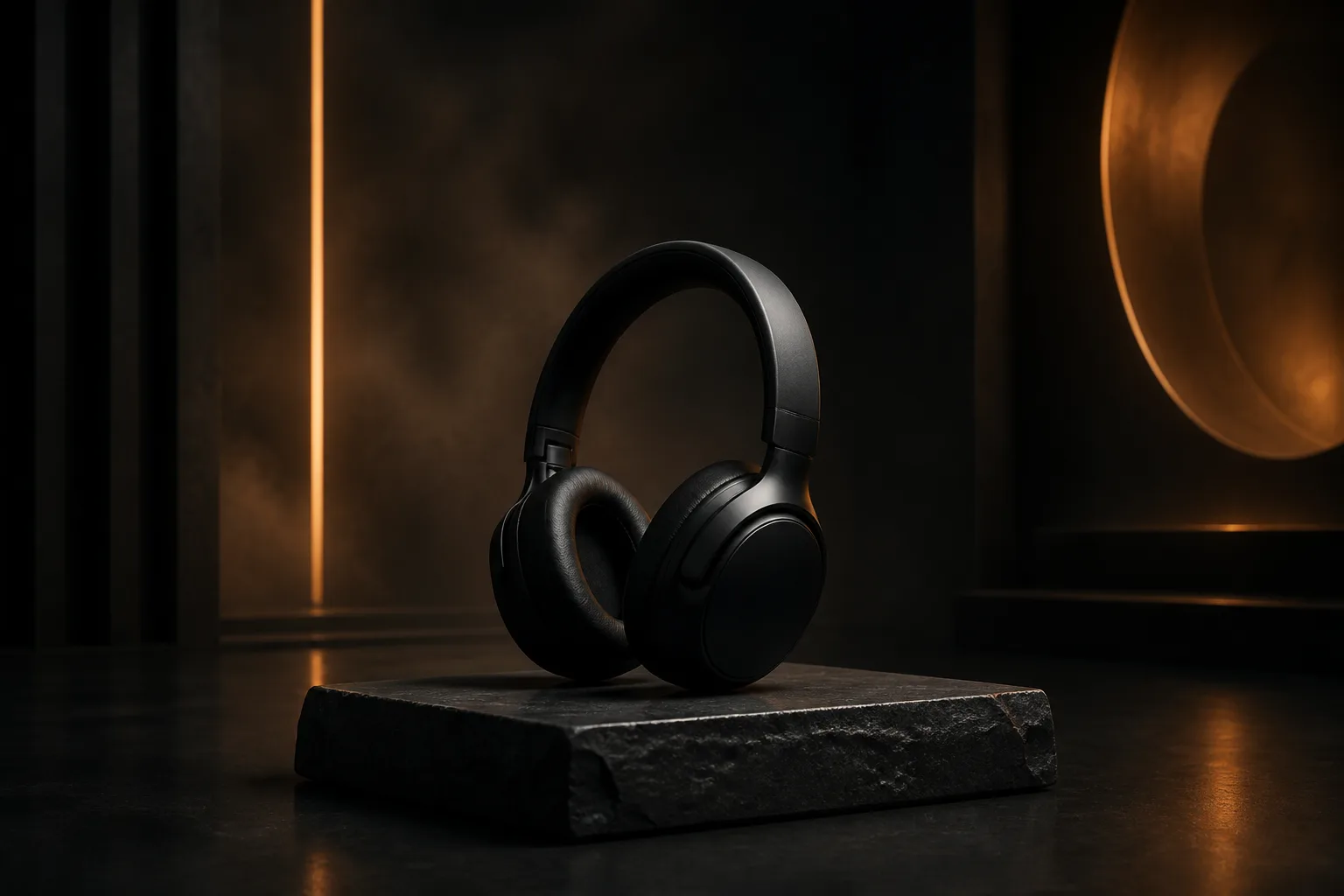 Reference-led product film
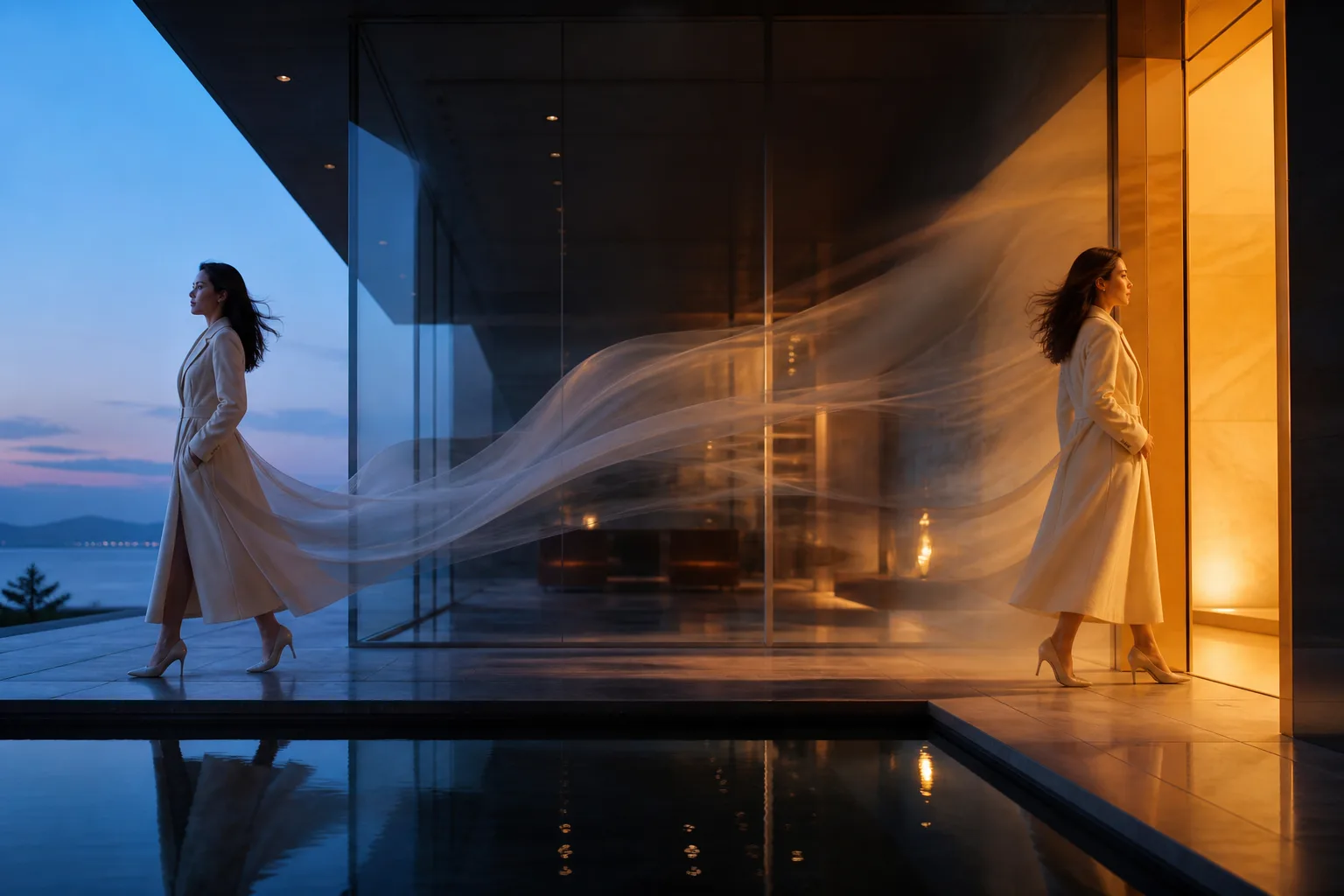 Start-to-end frame transition
Model overview
MiniMax H3 is a general-purpose omni-modal generation system from MiniMax. Also known as Hailuo 03, it understands a creative context made from text, images, video, and audio, then generates the moving picture and stereo sound together.
The model's key distinction is not simply “text in, video out.” Its H3-Context-IR workflow is designed to reason about how several references relate to the intended scene. That makes H3 especially relevant when a character, product, motion source, camera example, or audio cue must all play different roles in one shot.

4–15s
duration
2K
output
Stereo
native audio
MiniMax H3 specifications
These limits come from the current official MiniMax H3 model card. Provider endpoints can expose a focused subset, so confirm the active route before automating production.
4–15 seconds, whole-second control
768P generation or 2K output workflow
24 FPS
Native 32 kHz stereo
21:9, 16:9, 4:3, 1:1, 3:4, 9:16 and more
11 languages listed in the official model card, with broader variable support
Core capabilities
H3 joins picture, movement, and sound at the model level. The practical advantage is a shorter path from a creative brief to a coherent, reviewable clip.
MiniMax H3 can interpret text, images, video, and audio as related references instead of treating every asset as a separate task.
Direct dialogue, ambience, effects, and music with the visual action. H3 outputs synchronized 32 kHz stereo audio with the video.
Use an opening frame, a closing frame, or both to control composition while the prompt explains motion and continuity between them.
Structure prompts by time, camera, action, sound, and invariants so the model can resolve a multi-beat creative brief.
MiniMax H3 examples
Use these as direction patterns rather than promises of an identical result. Video generation remains probabilistic, so inspect continuity, audio, hands, contact, and text before publishing.
Direct movement, camera beats, atmosphere, music, and foley on one timeline for a complete short scene.

Keep the product silhouette and material language recognizable while changing camera motion, lighting, and environment.

Define where the shot opens and lands, then describe the physically believable action connecting both compositions.
How to use MiniMax H3
Treat the prompt as a compact production document. Give each instruction a job and make the timing legible.
Use Text for a blank-page shot, Frames for a controlled opening or landing, and Reference when identity or style must carry across.
State the subject and setting, then divide longer clips into beats such as [0–3s], [3–7s], and [7–12s].
Describe camera movement, physical action, dialogue, ambience, effects, and music in the same creative brief.
Close with what must not change: face, product geometry, wardrobe, text, layout, camera limits, and unwanted artifacts.
MiniMax H3 prompt guide
A long prompt is not automatically a good prompt. Use ordered information, explicit timing, and a short continuity lock.
Who or what appears, where it is, and the visual baseline.
Break action into timed beats and give each beat one clear purpose.
Shot size, lens feeling, movement, contact, weight, fabric, and light.
Dialogue, voice, foley, ambience, music, and moments of silence.
Identity, geometry, colors, wardrobe, spelling, and fixed elements.
No extra subjects, warped anatomy, abrupt cuts, logos, or subtitles.
Create a [duration] cinematic scene of [subject] in [setting]. [0–3 seconds] [opening action + camera]. [3–7 seconds] [main movement + physical response]. [7–10 seconds] [landing action + final composition]. Audio: [dialogue / ambience / foley / music]. Preserve: [identity / product / wardrobe / layout]. Avoid: [artifacts / extra subjects / unwanted cuts / text].
Commercial comparison
There is no universal winner. The useful question is which model removes the most production friction for your specific inputs, sound requirements, delivery format, and budget.
| Compare | MiniMax H3 | Kling 3.0 | Seedance 2.0 | Veo 3.1 |
|---|---|---|---|---|
| Best fit | Reference-rich short films with native stereo sound and flexible 4–15s timing | Creator workflows that prioritize cinematic motion and established production variants | Multimodal shot direction and reference-heavy creative iteration | Google-centered workflows and polished high-resolution generation routes |
| Input strategy | Text, first/last frames, or combined image, video, and audio references | Text and image-led routes; controls depend on the selected model endpoint | Text, images, video, and audio references in supported multimodal routes | Text and image-led generation with reference and frame controls on supported routes |
| Audio direction | Native stereo audio generated with the scene | Native audio on supported current models | Native audio and reference-audio workflows on supported routes | Native audio generation on Veo 3 family routes |
| Decision signal | Choose when several reference types must resolve into one coherent clip | Choose when motion style and creator-facing variants drive the decision | Choose when multimodal reference interpretation is central to the brief | Choose when Google tooling, endpoint availability, or output pipeline is decisive |
Model routes and limits change quickly. Run the same short brief on two candidates, judge continuity and usable seconds rather than one hero frame, then compare current generation cost and turnaround.
Compare generation plansSecure generation workflow
The interactive UI turns your creative settings into a secure MiniMax H3 generation task, while Banana Pro AI handles account access, credits, upload safety, progress tracking, and downloads.
minimax-h3/text-to-videominimax-h3/image-to-videominimax-h3/reference-to-videoPrompt, route, duration, ratio, resolution, and reference requirements are normalized on the server.
Banana Pro AI securely submits the selected H3 mode and creative settings, without exposing private credentials in the browser.
The page polls the internal task record while provider callbacks update processing, success, or failure state.
Completed video URLs are safety-checked, shown in the output monitor, and available through the download proxy.
MiniMax H3 FAQ
Short answers to the common search questions around MiniMax H3, Hailuo 03, inputs, duration, audio, and model access.
MiniMax H3 is a general-purpose omni-modal video generation system from MiniMax. It understands combinations of text, images, video, and audio, then generates video with native stereo sound. The same release is also presented as Hailuo 03 or Hailuo 3.0 in product contexts.
Yes. MiniMax H3 is the model name, while Hailuo 03 or Hailuo 3.0 is the associated product naming you may see in creator tools and API marketplaces.
Yes. The text-to-video route accepts a prompt plus duration, aspect ratio, and resolution. Strong prompts describe the shot, timed action, camera, lighting, sound, and continuity constraints.
Yes. The first-and-last-frame route can use a first frame, a last frame, or both. The prompt should explain how the motion connects the supplied composition or compositions.
The official MiniMax H3 documentation describes mixed image, video, and audio references. Banana Pro AI currently provides text, first/end frame, and image-reference generation directly in the browser.
The official MiniMax H3 model card lists output durations from 4 to 15 seconds. This generator provides whole-second control across that range.
Yes. H3 jointly generates video and native 32 kHz stereo audio. You can direct dialogue, environmental ambience, sound effects, music, and silence in the same prompt.
MiniMax publishes H3 model weights under its community license. The open release includes the base FL2VA and Ref2VA checkpoints, while the hosted context-processing and 2K regeneration parts have separate availability described by MiniMax.
Start with scene truth, add timed beats, direct camera and physical motion, specify sound, then list continuity locks and negative constraints. For reference mode, identify each asset by its order and exact role.
Start with a six-second 768P draft. Lock the subject and action, listen to the generated audio, then move to a longer or 2K render.
You can also start from the parent video workspace or a dedicated text-to-video or image-to-video guide.
Open the MiniMax H3 generatorResearch sources
Product facts were checked against the official MiniMax H3 model card and public MiniMax materials. Copy is original and written for this page.